CodeCharge Studio
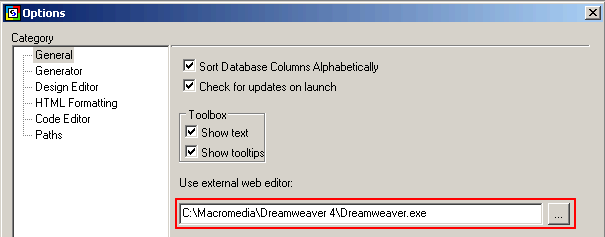
Besides using Microsoft FrontPage to edit HTML content, you could also configure CodeCharge Studio to work in conjunction with the HTML editor of your choice. You can do so by using the Tools -> Options... menu to specify the location of the program you want to use.
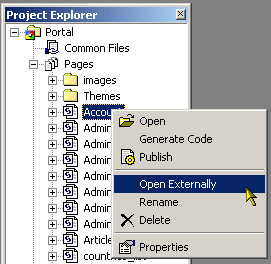
Once you specify the external web editor to be used, you can then open a page in that editor by right clicking on the page name within the Project Explorer and selecting the Open Externally option.
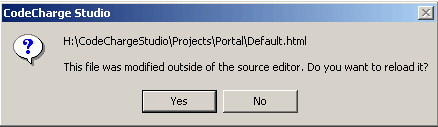
With the document open in the external editor, you can proceed to make changes and adjustments to the document. While doing so, be cautious so as not to alter any of the CodeCharge Studio blocks that appear within curly braces or in HTML comments. When you are ready to return to CodeCharge Studio, save and close the document in the external editor then switch back to CodeCharge Studio. A window will appear prompting you that the document was altered outside CodeCharge Studio. Click on the Yes button to reload the document with the changes made in the external editor.