 CodeCharge Studio
|
HTML |
<a href="http://www.codecharge.com"><img src="images\logo.gif" border="0"></a> |
|
Image |
 |
|
Description |
This is very similar to creating a HyperLink except
that instead of having text to represent the link, an image is used. When you click on the ImageLink option in the Toolbox, a dialog box appears where you can select the image to be used. 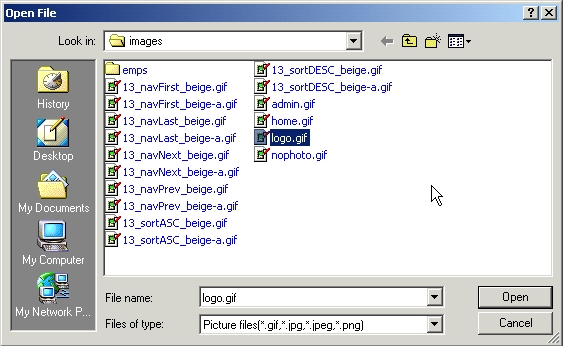 After selecting an image, you then have to specify the URL of the resource to be linked to. If applicable, you can also enter the name of a frame where the link will be opened. 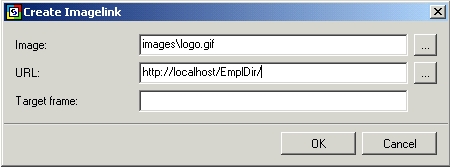 |