 CodeCharge Studio
|
HTML |
<input type="image" id="ImageButton1" name="ImageButton1" src="images\home.gif"> |
|
Image |
 |
|
Description |
This is the graphical equivalent of the Submit Button.
When you click on the Image Button option in the Toolbox, a dialog
box appears where you can select the image to be used to represent the button.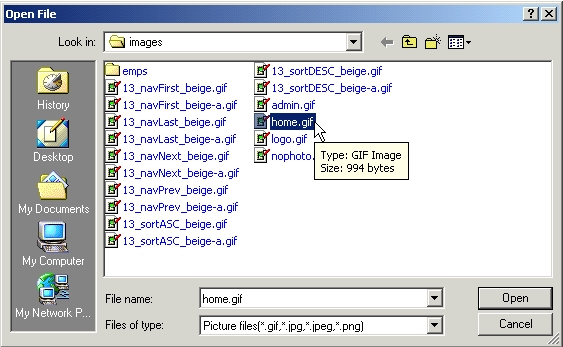 |